How to Remove Hidden GPS Location and EXIF Data from Photos Before Sharing (iPhone, Android & PC)
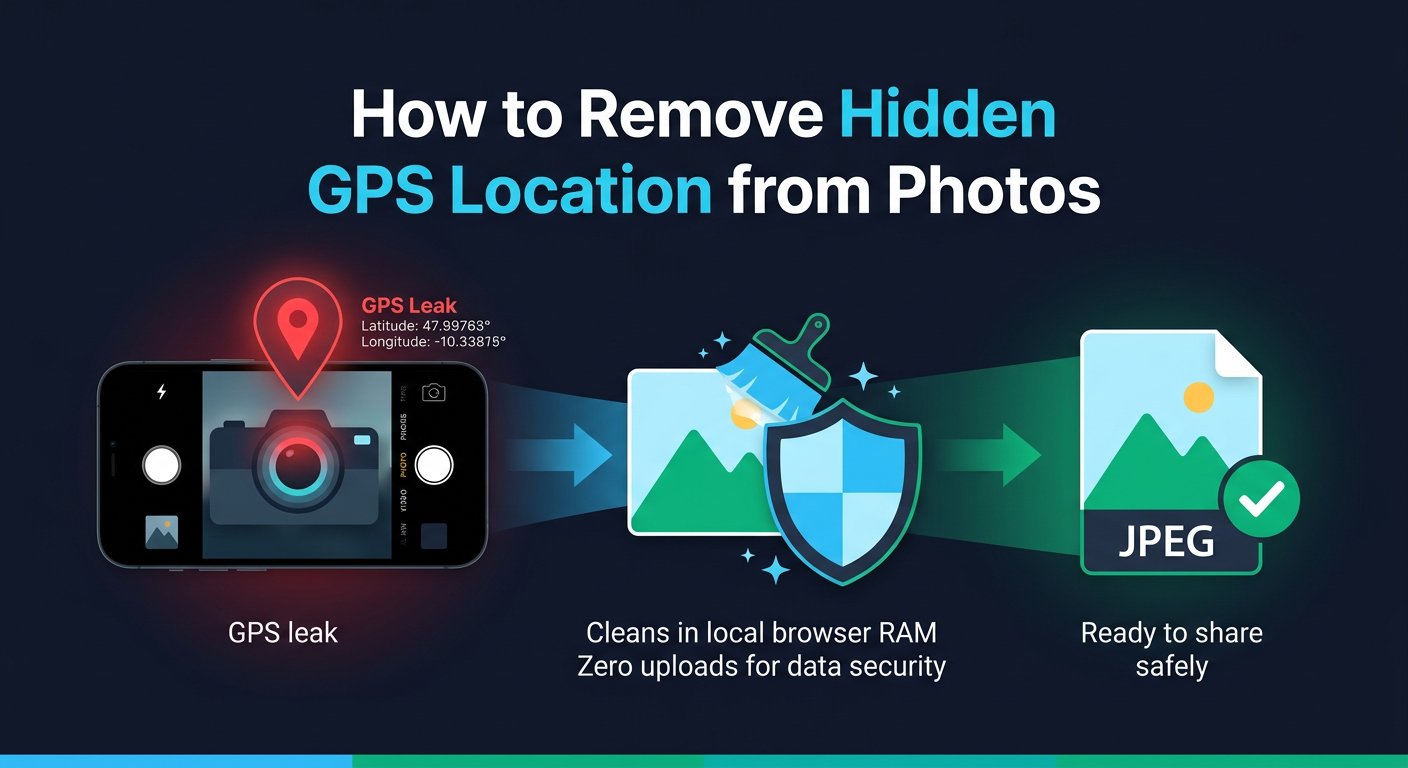
Figure 1.0: How smartphone cameras embed precise GPS coordinates into picture files and how to strip them locally before sharing.
Most people think a photo is just an image file. But whenever you take a picture with an iPhone or Android phone, your camera silently attaches a hidden text file directly inside the image called EXIF metadata.
If you share that photo on an online marketplace (like Craigslist, eBay, or Facebook Marketplace), send it as an uncompressed document on WhatsApp or Telegram, or upload it to a forum, anyone can open the file properties and pinpoint your exact location on Google Maps.
What Information is Hidden Inside Your Photos?
- 📍 Exact GPS Coordinates: Your precise latitude, longitude, and altitude—accurate down to the specific house or room.
- 🕒 Date & Exact Timestamp: The exact second the photo was taken.
- 📱 Device Hardware Model: Phone brand, model (e.g., iPhone 15 Pro, Samsung Galaxy S24), lens type, and software version.
When Does Photo Location Actually Leak?
Social media platforms like Instagram and X automatically compress public feed photos. However, your location is still 100% exposed in these common scenarios:
Direct Email Attachments
Sending a photo via Gmail, Outlook, or Apple Mail preserves all original EXIF tags.
WhatsApp/Telegram "Document" Mode
Sending photos as a "File/Document" preserves 100% of raw GPS metadata.
AirDrop & Cloud Drives
Sharing files via AirDrop, Google Drive, or iCloud keeps complete metadata.
Classified Marketplace Ads
Uploading photos of items you want to sell can reveal your home address to strangers.
How to Clean Photos in 3 Seconds (Zero Uploads)
You do not need to install complex software or upload private family photos to unknown cloud servers.
With PrivacyKit's Image EXIF Remover, your pictures are processed entirely inside your device's browser memory (RAM):
- Select or drag your JPG, PNG, or WEBP photos.
- The client-side engine strips GPS coordinates, camera serials, and timestamps instantly.
- Download the clean copy ready to share safely anywhere.
Try our Image EXIF Remover
Remove EXIF, GPS & camera data from JPG/PNG/WebP. 100% in-browser, no upload required.
Related Privacy Articles
2026-09-30
IPv4 Subnetting & CIDR Guide: How to Calculate Usable Host Ranges, Subnet Masks & Binary Maps
Master IPv4 subnetting and CIDR prefix notation (/8 to /32). Learn how to determine Network IDs, Broadcast addresses, usable IP host ranges, and binary bit allocation.
2026-09-29
How to Forensically Strip Hidden Metadata from Photos and PDFs: Terminal CLI vs In-Browser Zero-Knowledge Cleaning
Discover how to permanently remove GPS EXIF tags, author revision trees, and hidden IDs using Linux commands (exiftool, qpdf, mat2) or client-side browser engines.